
In This Article
- 1. What Is DICOM and Why It Matters
- 2. Clinical Data in DICOM: Structure and Dictionary
- 3. DICOM Communication: Protocols and Services
- 4. Practical Implementation: Conformance and Interoperability
- 5. HL7 Integration and Clinical Workflows
- 6. Security, Compression, and Modern Challenges
- 7. Final Thoughts and Next Steps
What Is DICOM and Why It Matters
DICOM (Digital Imaging and Communications in Medicine) is, without exaggeration, the backbone of modern digital radiology. If you work with medical images — whether in acquisition, transmission, storage, or interpretation — you depend on it, even if you don’t realize it.
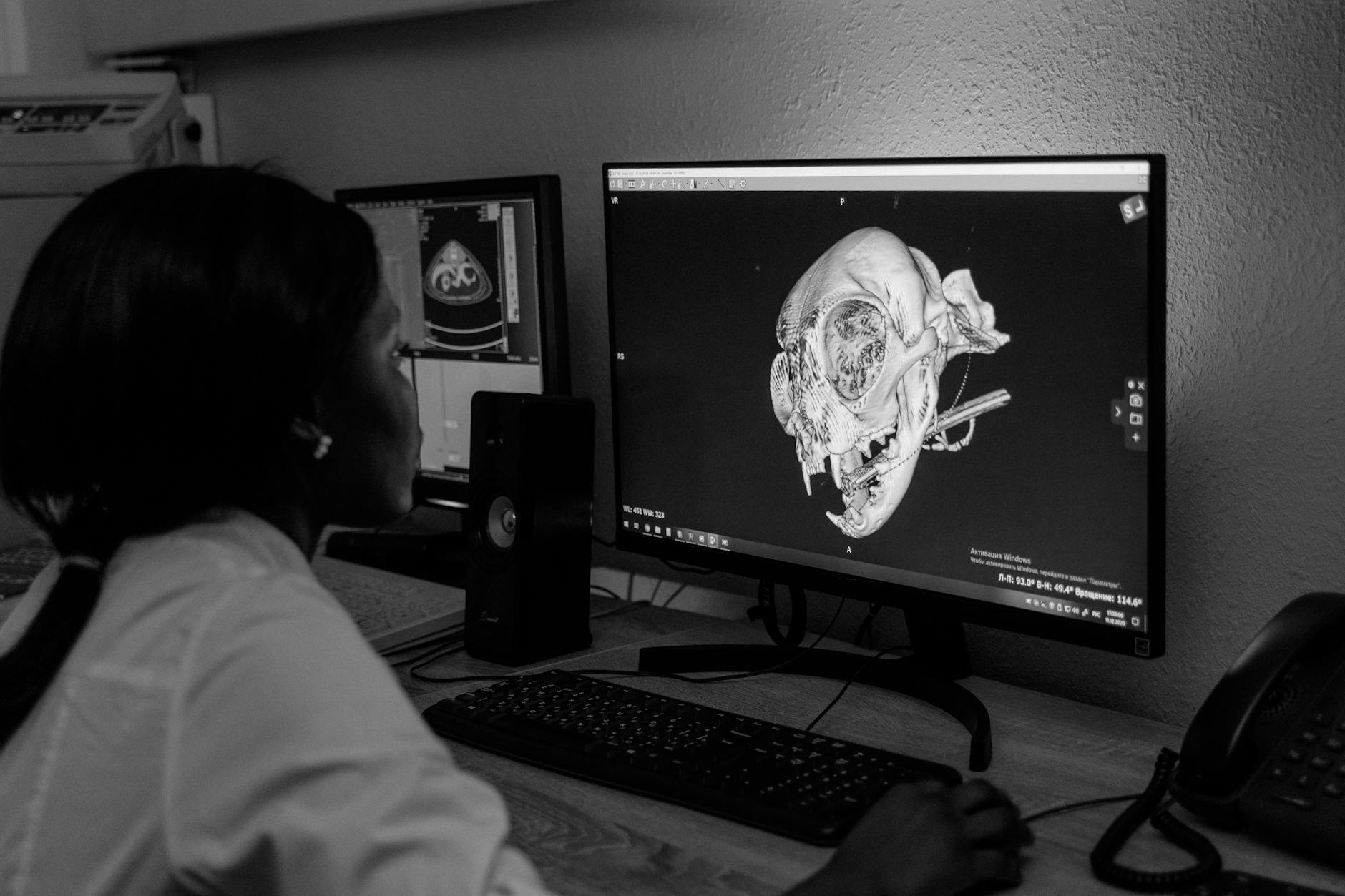
Born over 30 years ago as a response to the need for standardized communication between equipment from different manufacturers, the DICOM standard revolutionized how hospitals, clinics, and diagnostic centers handle images. Before it, each manufacturer spoke its own “language,” and integrating a CT scanner with a viewing system was like trying to connect pieces from different puzzles.
As Oleg Pianykh highlights in his classic Digital Imaging and Communications in Medicine: A Practical Introduction and Survival Guide, published by Springer, DICOM controls every stage of the digital image — from acquisition to final interpretation. What many professionals fail to realize is just how deep this dependency runs.
This comprehensive guide was developed for radiologists, medical physicists, PACS managers, and healthcare IT teams who want to master DICOM in a practical way. We’ll cover everything from data structure fundamentals to HL7 integration, passing through communication protocols, security, and clinical workflows. Each section corresponds to a deep-dive article in our series — and you’ll find links to explore each topic further.
Clinical Data in DICOM: Structure and Dictionary
DICOM is not just an image format — it’s a complete clinical data representation system. Every DICOM file carries not only image pixels but a rich set of structured metadata describing the patient, study, series, equipment, and acquisition conditions.
For those accustomed to formats like JPEG or PNG, the difference is staggering. While those formats store only visual data, a DICOM file is essentially a database embedded within the image itself. Every piece of information is organized through tags — numeric identifiers following the (GGGG,EEEE) format, where GGGG is the group and EEEE is the element.
Value Representations (VRs): The Grammar of DICOM
Like any language, DICOM has its own grammar. Value Representations (VRs) define how each data element should be encoded and interpreted. There are VRs for text (CS, SH, LO, ST, LT, UT), dates and times (DA, TM, DT, AS), numbers in text format (IS, DS), and binary values (SS, US, SL, UL, FL, FD, OB, OW).
In practice, understanding VRs is crucial when you need to troubleshoot communication issues between equipment. A classic mistake occurs when one system sends the patient name in PN (Person Name) format while the receiver expects LO (Long String) — the result can be corrupted data or, worse, incorrect exam association.
Data Dictionary: Standard and Private
DICOM maintains a standardized Data Dictionary that lists all officially recognized tags — thousands of them. But manufacturers can (and frequently do) add private tags for equipment-specific information. These private tags follow an odd-group convention and are documented in each manufacturer’s DICOM Conformance Statements.
In my experience, private tag issues are among the hardest to diagnose. When a study migrates from one system to another and crucial information disappears, the cause almost always involves proprietary tags not recognized by the receiving system.
For a deep dive into clinical data structure, Value Representations, and the DICOM Data Dictionary — including practical examples of private tags and their pitfalls — check out our dedicated article on clinical data and DICOM structure. You’ll find comparative VR tables, parsing examples, and real-world incompatibility cases.
You may also want to read our post on medical imaging modalities in DICOM, which details how each modality (CT, MR, US, CR) organizes its data in specific ways.
DICOM Command Objects and Network Communication
If the Data Dictionary is DICOM’s vocabulary, command objects are its verbs. Every interaction between DICOM systems occurs through command-and-data pairs: one system requests an action (C-STORE, C-FIND, C-MOVE, C-GET, C-ECHO), and the other responds.
The concept may sound abstract, but it’s surprisingly practical. When you send an exam from a CT scanner to PACS, behind the scenes a well-defined sequence takes place:
- The modality initiates a DICOM association with the PACS
- Both negotiate the supported Transfer Syntaxes (compression, byte ordering)
- The modality sends a C-STORE command with the image data
- The PACS confirms receipt with a response status
- The association is terminated
Each of these steps can fail for specific reasons — and knowing how to diagnose them is what separates a competent PACS administrator from one constantly fighting fires.
Transfer Syntaxes and Image Compression
A frequently underestimated aspect is the choice of Transfer Syntax. This setting determines how bytes are ordered (Little Endian vs. Big Endian), whether VRs are explicit or implicit, and which compression algorithm is used. DICOM supports JPEG, JPEG 2000, JPEG-LS, and RLE compression, among others.
The Transfer Syntax choice directly impacts network sizing and storage. Digital mammography images, for instance, can exceed 50 MB each — without compression, a single day’s data volume easily reaches terabytes.
For a complete deep dive into DICOM command objects, including detailed examples of C-STORE, C-FIND, and C-MOVE, plus Transfer Syntax tables and their practical implications, access our article on DICOM commands and practical examples.
DICOM Implementation: Associations, SOP Classes, and Conformance
Understanding theory matters, but implementing DICOM in the real world requires mastering practical concepts that manuals don’t always explain well. Three are particularly critical: associations, SOP Classes, and Conformance Statements.
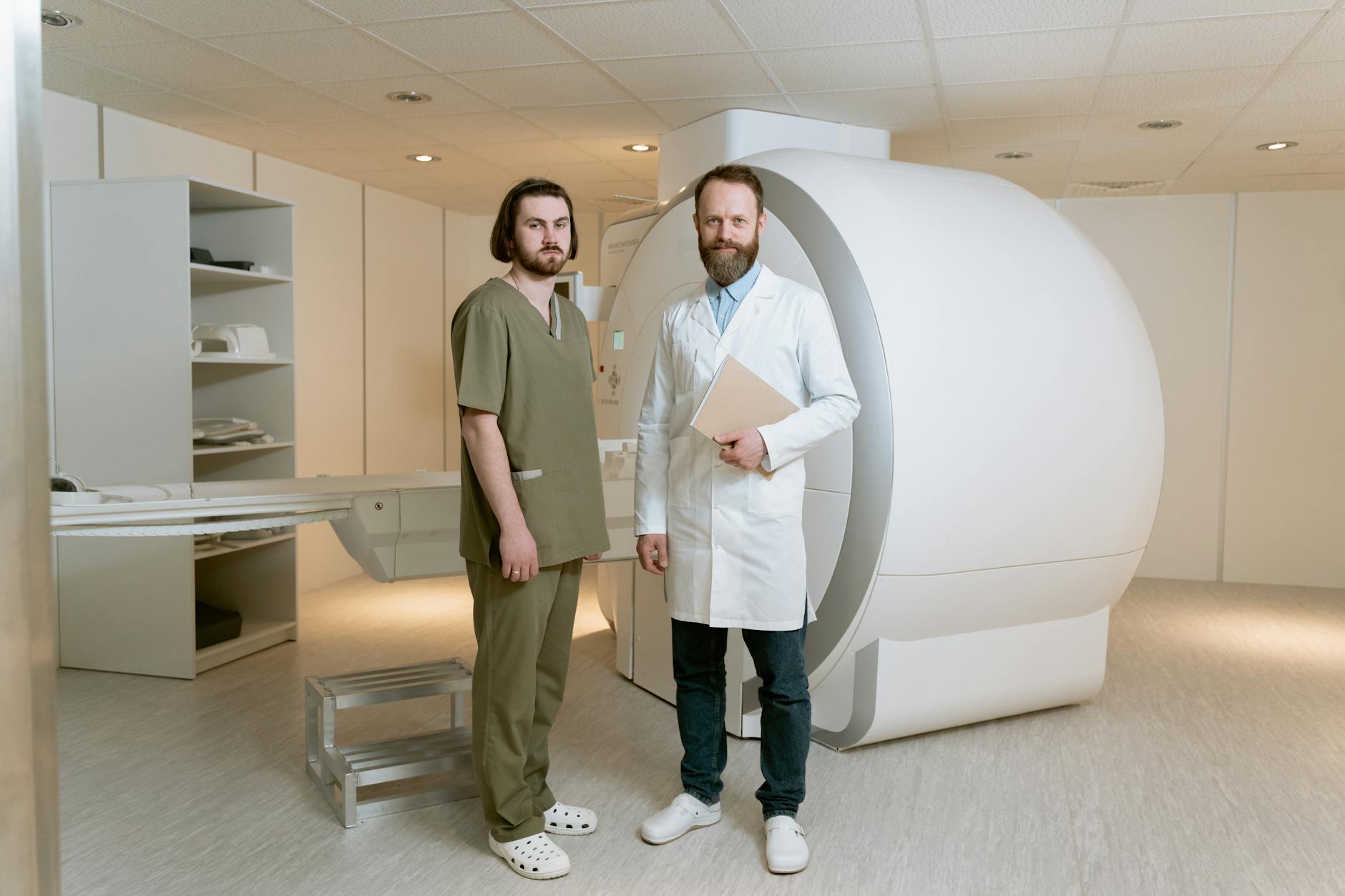
A DICOM association works like a digital “handshake.” Before any data exchange, both systems (called Application Entities or AEs) must negotiate what each supports. This negotiation includes which services will be used (storage, query, print), which modalities are supported, and in which format data will be transferred.
SOP Classes: The Service Contract
At the heart of DICOM architecture lies the concept of Service-Object Pair (SOP) Class. Each SOP Class defines a combination of a data type (IOD — Information Object Definition) with a service (DIMSE — DICOM Message Service Element). For example, the “CT Image Storage” SOP Class combines the definition of a CT image with the storage service.
This concept might seem confusing at first, but think of it this way: a SOP Class is a contract. When a CT scanner says it supports “CT Image Storage SCP,” it’s declaring: “I accept and store CT images in standard DICOM format.” When a workstation says it supports “CT Image Storage SCU,” it’s saying: “I know how to send CT images in the correct format.”
Conformance Statements: Read Before You Buy
Every DICOM device or software must publish a DICOM Conformance Statement — a document specifying exactly which SOP Classes, Transfer Syntaxes, and services the product supports. In practice, this document is your bible when planning integrations.
A common mistake? Assuming two “DICOM-compliant” devices will communicate flawlessly. Being DICOM-compatible doesn’t mean supporting all its features — it’s like saying two people speak “English” when one only knows cooking vocabulary and the other only engineering terms.
To understand in depth how to implement DICOM associations, analyze manufacturer Conformance Statements, and avoid the most common integration pitfalls, read our complete article on practical DICOM implementation. It includes deployment checklists and real configuration examples.
We also recommend our post on the evolution of PACS and RIS, which historically contextualizes how DICOM shaped today’s radiology infrastructure.
HL7 Integration and Clinical Workflows
DICOM doesn’t operate in isolation. In any modern hospital environment, it needs to communicate with other systems — HIS (Hospital Information System), RIS (Radiology Information System), and the electronic health record. This is where HL7 (Health Level Seven) enters the picture, the interoperability standard for textual clinical data.
While DICOM handles images and their metadata, HL7 manages information like patient admissions, exam orders, report results, and billing data. The integration between both standards is what enables, for example, an exam ordered by the physician in the EHR to automatically appear on the modality’s worklist.
DICOM Modality Worklist: The Bridge Between Systems
The Modality Worklist (MWL) service is perhaps the most tangible example of this integration. Without it, the technologist would need to manually type patient data at the equipment console — a slow and error-prone process. With MWL, the modality automatically queries the RIS (via DICOM), which in turn received the data from the HIS (via HL7).
The DICOM-HL7 chain is also fundamental for exam reconciliation. When a patient is registered in the ER as “John Smith” and in the imaging system as “J. Smith,” matching algorithms based on HL7 and DICOM identifiers help prevent lost exams or incorrect patient associations.
HL7 FHIR and the Future of Interoperability
It’s worth noting that HL7 has evolved significantly. Version 3.0 represented a complete overhaul, and FHIR (Fast Healthcare Interoperability Resources) brought a modern approach based on REST APIs. DICOM is also adapting, with initiatives like DICOMweb offering image access via standardized web protocols.
To explore DICOM-HL7 integration in detail, automated clinical workflows, patient identifiers, and how HL7 FHIR is transforming interoperability, access our article on medical records integration and DICOM workflows.
If interoperability is your focus, also check out our analysis on what DICOM means in radiology for a complementary perspective.
Security, Compression, and Modern Challenges
As digital medicine grows more complex and imaging projects go global, new challenges emerge. Three areas deserve special attention: security, storage capacity, and continuity of operations.
Security and Regulatory Compliance
DICOM’s native security, while present, is insufficient to meet modern regulatory requirements such as HIPAA (in the US) or GDPR (in Europe). The standard defines security profiles including TLS for encrypted communication and digital signatures for integrity, but practical implementation almost always requires additional layers.
DICOM’s connectivity model is historically based on static IPs, creating significant challenges for teleradiology and remote access via VPN. Each new remote connection must be carefully planned to maintain both security and performance.
Compression and Sizing
The trade-off between image size and diagnostic quality is a critical decision that impacts the entire infrastructure. DICOM supports lossless compression (like JPEG-LS) and lossy compression (with controlled loss, like JPEG 2000). The choice depends on modality: digital mammography typically requires lossless, while for some ultrasound applications, lossy compression with controlled ratios is acceptable.
This sizing directly affects monitor selection (resolution varies by modality), network bandwidth, and storage capacity. A mid-sized hospital can easily generate 1-2 TB of DICOM data per month.
Disaster Recovery: The Elephant in the Room
As Pianykh notes in his book, disaster recovery for PACS systems is so technically challenging that many institutions simply ignore it. A continuity of operations plan for DICOM must consider storage redundancy, geographic replication, and fallback procedures for operating without PACS — because at some point, the system will go down.
For comprehensive coverage of DICOM security, compression techniques, infrastructure sizing, and disaster recovery planning, check out our article on modern DICOM and HL7 challenges. You’ll find security checklists and sizing guides based on real-world scenarios.
To complement this, see our content on PACS in healthcare and its impact on patient care.
Final Thoughts and Next Steps
DICOM is far more than a file format — it’s a complete ecosystem that underpins all of digital radiology. In this guide, we’ve covered everything from fundamental data structure and VRs to communication protocols, HL7 integration, and security challenges.
Key takeaways every medical imaging professional should retain:
- DICOM data structure goes far beyond pixels — each file carries a true embedded patient record with hundreds of metadata fields
- System communication depends on careful negotiation of Transfer Syntaxes, SOP Classes, and AE Titles
- Conformance Statements are mandatory documents that must be analyzed before any integration
- HL7 and DICOM are complementary, and their integration is fundamental for efficient clinical workflows
- Security and disaster recovery are not optional in regulated environments
Whether you’re planning a PACS migration, implementing teleradiology, or simply want to better understand the digital infrastructure supporting your daily work, each article in this series provides the depth you need. Start with the topic that most impacts your current work and explore the rest as needed.
The best resource after mastering this content? The DICOM standard itself, maintained by NEMA. With the foundation you’ve built here, you’ll be prepared to navigate its technical volumes with confidence.
Your turn: Which aspect of DICOM most impacts your daily work? Share your experience in the comments below — your perspective can help other professionals.